Maximize Your Solar Savings
Track your solar energy usage effectively.
Last updated:
Quick answer
Welcome to our Solar Energy Monitoring sub-hub!
- Updated for 2026
- Independent, hands-on research
- Reader-first reviews
- Transparent affiliate disclosure
Welcome to our Solar Energy Monitoring sub-hub! Here, you’ll find everything you need to understand how solar energy monitoring systems work and how they can help you save on your electricity bills. Our hands-on testing and real user experiences will guide you in selecting the best solar monitor for your home.
Key highlights
- Understand solar energy usage
- Compare top solar monitors
- Read user reviews
- Find buying guides
- Learn practical tips
How to choose (and common mistakes)
When selecting a solar energy monitor, consider compatibility with your solar system and ease of installation. Look for features like real-time monitoring and data tracking for your appliances. Common mistakes include ignoring user reviews and not checking for app compatibility. Make sure the monitor can integrate with your existing smart home devices for a seamless experience.
⚡ Quick Picks
Three strong options to start with. Pick one that matches your goal, then jump to the guides below.
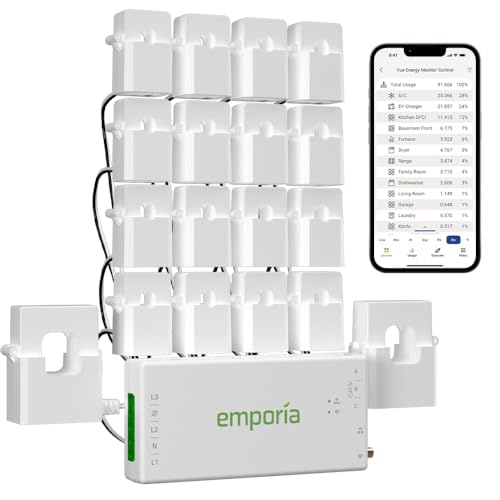
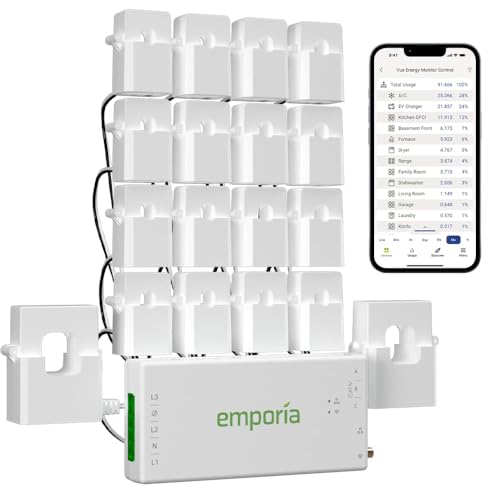
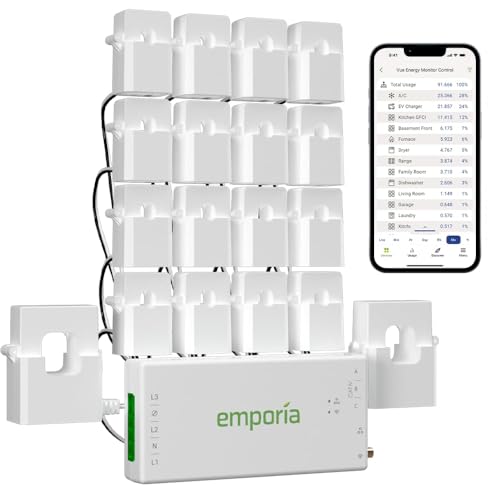
Emporia Vue 3 Energy Monitor
This home energy monitor installs in the circuit panel of most homes using clamp-on sensors. It supports various electrical systems, including single phase and 3-phase configurations.

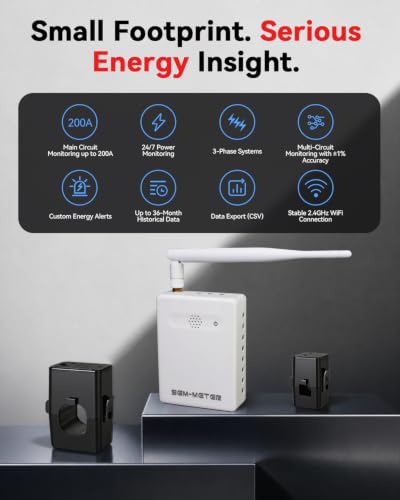
Refoss Smart Home Energy Monitor
This energy monitor features a native open API and web UI for real-time electricity usage tracking. It is compatible with Home Assistant and MQTT, and supports solar net metering.

Smart Home Energy Monitor
This energy monitor features 16 circuit level sensors that track real-time power usage and electricity costs. It is compatible with Home Assistant and includes an app for monitoring history, making it suitable for rental homes and shared apartments.
Discover reliable monitors to help reduce your energy bills and track usage effectively.
Related Topics
Home Assistant Energy Monitoring
Latest Guides
-
Wifi Energy Monitor: Insights into Smart Energy Management
View details →: Wifi Energy Monitor: Insights into Smart Energy ManagementWifi energy monitors are devices that enable homeowners to track their electricity usage in real-time. These monitors can provide insights…
-
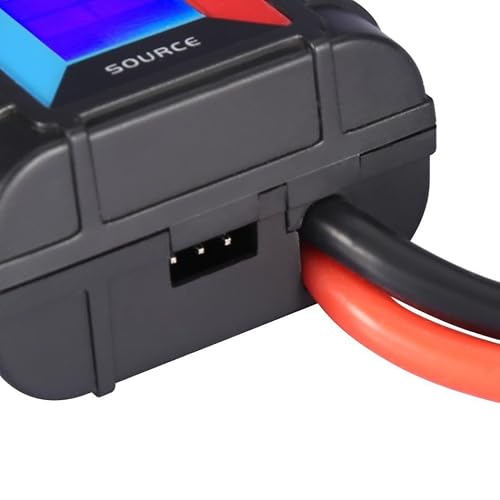
Solar Energy Monitor: Insights into Home Energy Management
View details →: Solar Energy Monitor: Insights into Home Energy ManagementWhen choosing a solar energy monitor, consider the following criteria:
-
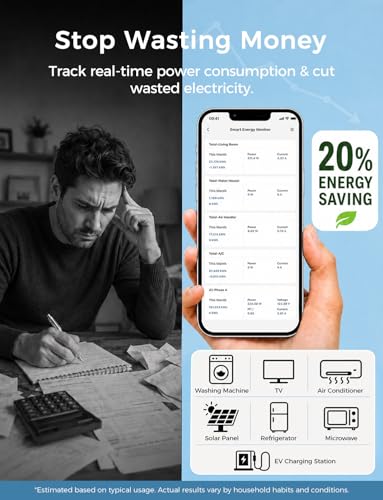
Home Assistant Energy Monitor: Insights on Smart Energy Management
View details →: Home Assistant Energy Monitor: Insights on Smart Energy ManagementHome assistant energy monitors are devices designed to track and manage energy consumption in residential settings. They provide users with…
-
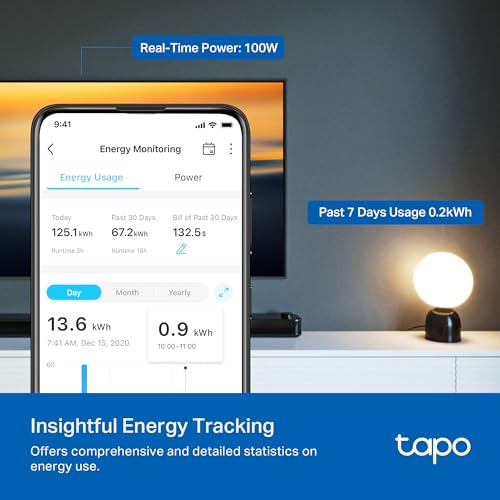
Appliance Energy Monitor: Insights on Usage and Efficiency Trends
View details →: Appliance Energy Monitor: Insights on Usage and Efficiency TrendsWhen selecting an appliance energy monitor, consider the following criteria:
-
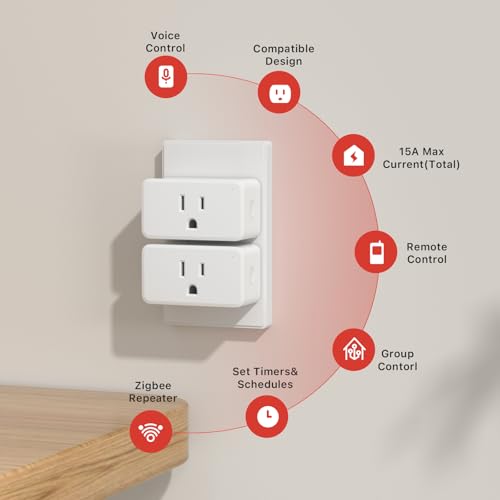
Zigbee Energy Monitor Plug: Insights into Smart Energy Management
View details →: Zigbee Energy Monitor Plug: Insights into Smart Energy ManagementTo ensure the longevity and safety of your Zigbee energy monitor plug, follow these guidelines:
-
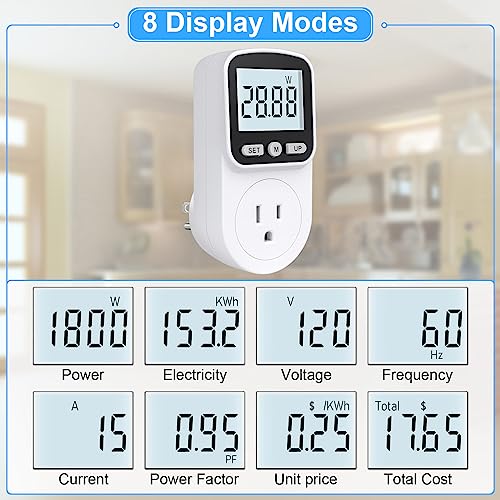
Appliance Power Meter: Understanding Energy Usage and Efficiency
View details →: Appliance Power Meter: Understanding Energy Usage and EfficiencyWhen selecting an appliance power meter, consider the following criteria to enhance your user experience:
-
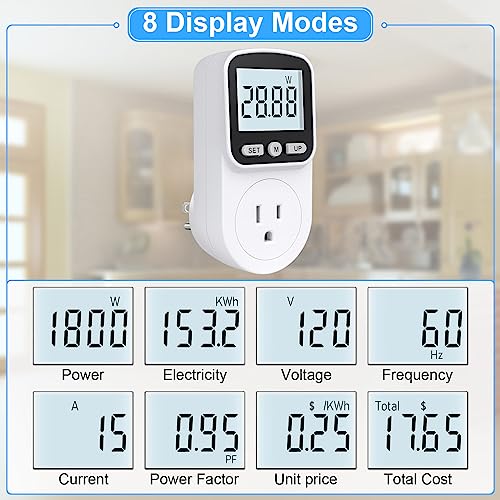
Outlet Power Meter: Insights on Energy Monitoring Devices
View details →: Outlet Power Meter: Insights on Energy Monitoring DevicesOutlet power meters are devices designed to monitor the energy consumption of electrical appliances. They provide insights into power usage,…
-
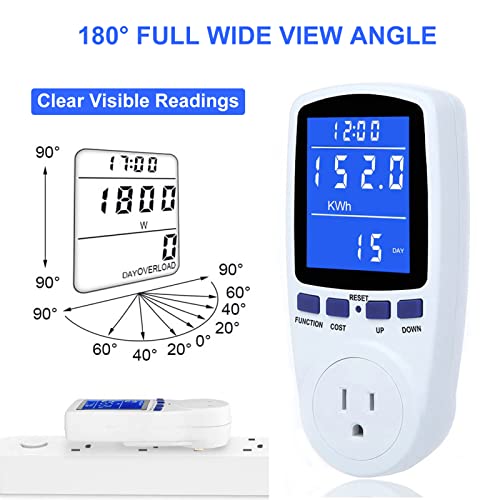
Kill a Watt Meter: Understanding Energy Consumption Monitoring
View details →: Kill a Watt Meter: Understanding Energy Consumption MonitoringA Kill a Watt meter is a device designed to monitor the energy consumption of electrical appliances. By providing insights…
-
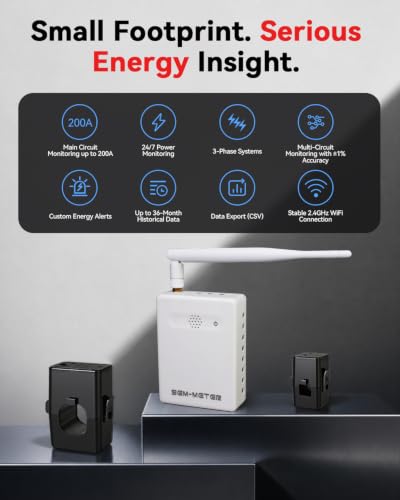
Breaker Panel Energy Monitor: Insights on Smart Home Integration
View details →: Breaker Panel Energy Monitor: Insights on Smart Home IntegrationBreaker panel energy monitors are devices that allow homeowners to track and manage their electricity usage in real-time. These monitors…
How We Choose & Recommend
Short, practical guidance first—then product picks when you are ready.
- We compare features and real-world use cases for Solar Energy Monitoring.
- We scan user feedback for patterns (not one-off opinions).
- We call out trade-offs so you can pick confidently.
FAQ
What features should I look for in a solar monitor?
Look for features like real-time monitoring, historical data tracking, and compatibility with smart home systems. These features help you understand your solar energy usage better. Ensure the monitor has a user-friendly app for easy access to data. When you hit friction, pause and do a fast diagnosis: what changed, what stayed the same, and what the symptom suggests. Then apply the smallest fix that addresses the symptom.
How does solar energy monitoring save money?
By tracking your solar energy production and consumption, you can identify patterns and optimize usage. This helps you reduce reliance on grid power, ultimately lowering your electricity bills. Regularly review your data to find ways to increase efficiency. If you’re choosing between options, pick the one that matches your use case and constraints (space, noise, speed, skill). The “right” option is the one you’ll actually use safely.
Can I install a solar energy monitor myself?
Many solar monitors are designed for DIY installation, but it depends on the model. Check the installation instructions and ensure you have the necessary tools. If in doubt, consider hiring a professional to avoid mistakes during setup. For best results, focus on the one or two factors that change the outcome most (environment, settings, fit, or technique). Small adjustments here beat big changes elsewhere.
How do I connect my solar monitor to my home network?
Most solar monitors connect via Wi-Fi or Ethernet. Follow the setup instructions provided in the manual to link the device to your home network. Ensure you have a stable internet connection for accurate data transmission. A good habit is to finish with a quick reset/cleanup so the next session starts smoothly. That prevents repeat issues and keeps performance consistent over time.
What are the benefits of using a solar monitoring app?
Apps provide real-time data, alerts, and insights into your energy usage. They enable you to monitor performance remotely and make adjustments when needed. Check for apps that offer detailed analytics to maximize your savings. A quick win is to set up the basics first, then do a short trial run to confirm everything behaves as expected. If you see a problem, fix it early before you add complexity.
Related in this hub
⭐ Our Top 3 Home Energy Monitors
Emporia Vue 3 Energy Monitor
This home energy monitor installs in the circuit panel of most homes using clamp-on sensors. It supports various electrical systems, including single phase and 3-phase configurations.
Refoss Smart Home Energy Monitor
This energy monitor features a native open API and web UI for real-time electricity usage tracking. It is compatible with Home Assistant and MQTT, and supports solar net metering.
Smart Home Energy Monitor
This energy monitor features 16 circuit level sensors that track real-time power usage and electricity costs. It is compatible with Home Assistant and includes an app for monitoring history, making it suitable for rental homes and shared apartments.
Discover reliable monitors to help reduce your energy bills and track usage effectively.